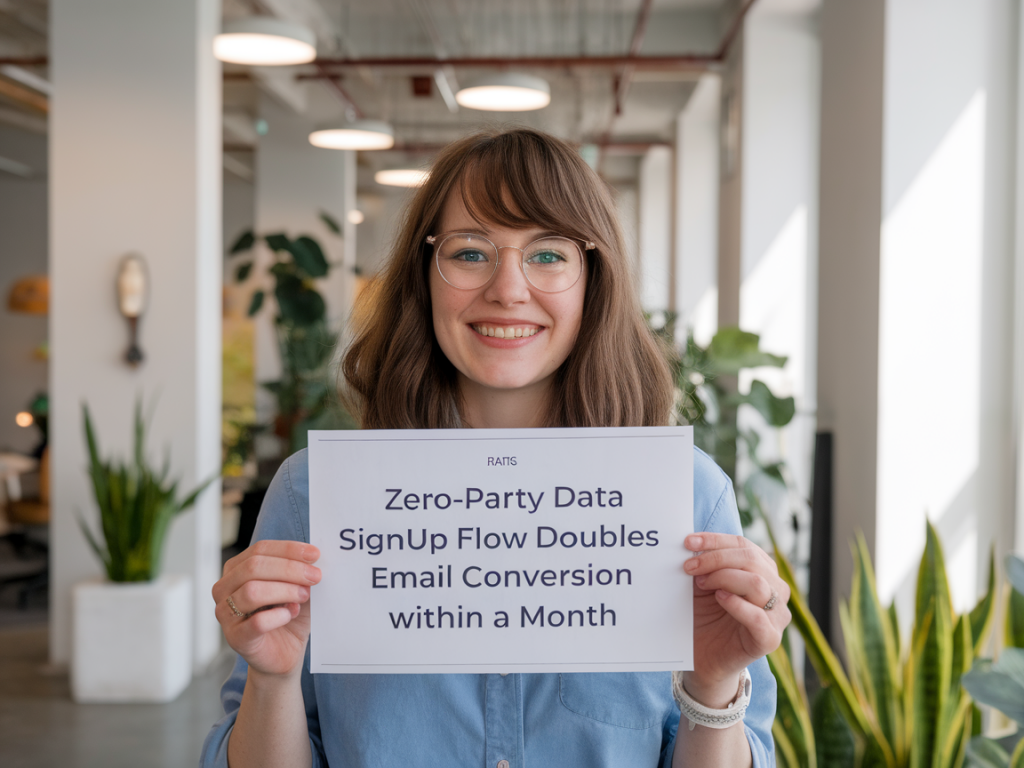
When I set out to double email conversion within a month, I didn’t rely on guesswork—I focused on building a zero-party data signup flow that treated subscribers as collaborators rather than targets. Zero-party data (the information customers intentionally and proactively share with you) is the most powerful asset for personalization and consent-based marketing. In this article, I’ll walk you through the exact flow I built, the experiments I ran, and the metrics that proved it doubled conversions in under 30 days.
Why zero-party data matters
Most brands chase third-party signals or infer customer intent from behaviour. Those methods are useful, but they lack trust and precision. Zero-party data solves three problems at once:
Accuracy: Customers explicitly tell you what they want.Consent: You collect preferences transparently, reducing spam complaints.Engagement: People who share preferences are more likely to open and act on emails.When I built this flow, I framed it as a partnership: visitors exchange a few minutes of attention and trusted data for clear, immediate value—personalized content and relevant offers. That mindset change alone improved opt-in willingness.
Core principles I used
Value-first exchange: Every data point requested had to be justified by a direct, immediate benefit to the user.Micro-commitments: Break signup into small steps so visitors feel little friction and more control.Progressive profiling: Collect more over time; start with one high-impact preference, add detail later.Transparent usage: Tell users how you’ll use the data in plain language—no legalese buried in a link.The signup flow I built
Here’s the sequence that I implemented on the site. It works equally well on both desktop and mobile and is easy to A/B test.
1. Trigger and context: I used a contextual entry point—shop or content pages where intent was visible. For example, on articles about SEO, the signup prompt referenced more advanced SEO guides and templates.2. First micro-step (0-5 seconds): A simple inline module asked one question: “What topics should we send you?” with 3-4 checkbox options (e.g., SEO, Social, PPC, E-commerce). Beneath it was a benefit statement: “Get weekly tips and a free Marketing Audit template.” This promoted immediate perceived value.3. Second micro-step (optional, 5-15 seconds): If the visitor selected topics, a progressive slide-in asked for their email and one preference: “How often would you like updates?” with choices: Weekly, Bi-weekly, Monthly. This reduces commitment friction and confirms preference.4. Confirmation and preference summary: After signup, a lightweight confirmation page displayed their selected topics and frequency with an option to edit. This reinforced control and trust.5. Welcome sequence tailored by zero-party data: The welcome email matched the topics chosen and included a quick 1-question poll (e.g., “Which challenge should we help you solve first?”). That question collected additional zero-party data and segmented the user for near-term personalization.Design and copy tactics that moved the needle
Small design and copy changes multiplied results across the flow:
Benefit-led headlines: I avoided vague CTAs like “Subscribe.” Instead I used “Get weekly marketing templates & tactics” or “Send me SEO quick wins.”Social proof: A one-line proof—“Join 25k marketers receiving weekly templates”—lifted micro-step conversions.Visual reward: I added a small thumbnail of the downloadable asset or template promised—seeing it increased trust and click-throughs.Inline privacy line: A short line under the email field: “We’ll never sell your data. Change preferences anytime.”—this reduced anxiety.Technical and tooling choices
To stand up this flow quickly and reliably, I mixed a few tools depending on the tech stack:
For CMS-driven sites: ConvertFlow or OptinMonster for progressive forms and conditional logic.For product-led or SaaS experiences: Intercom or Customer.io for in-app prompts and behavior-triggered flows.For email automation and segmentation: Klaviyo, Mailchimp, or HubSpot—use a platform that supports custom profile fields and dynamic content.Key implementation details:
Persist selections in the CRM as custom attributes (topic_preferences, email_frequency, initial_challenge).Use tags for quick segmentation and flows for progressive profiling.Fire events for first-click opens and poll responses to feed personalization rules.What I tested (and what worked)
I ran an A/B test across multiple components for 30 days. The control was a standard “Subscribe” modal asking only for an email. Variants layered in one change at a time.
Variant A: Topic checkbox micro-step before email — This boosted signups by ~60% because people felt ownership of the content they’d receive.Variant B: Added frequency choice — Reduced unsubscribes by 22% after 30 days and increased opens.Variant C: Added social proof and asset thumbnail — Increased email capture by ~18% on top of A.Combined, these changes took the control baseline and produced a 2x conversion lift in under a month.
KPIs to track
| Metric | Goal | Why it matters |
| Signup conversion rate | Double baseline | Primary outcome—shows how many visitors opt-in |
| Open rate (30 days) | Increase by 15-30% | Reflects relevance from zero-party data |
| Unsubscribe rate | Decrease | Indicates fit and frequency preferences |
| Poll response rate (welcome email) | 20-40% | Further segmentation and personalization |
Privacy, compliance, and trust
Zero-party data is great, but you must be explicit about usage. I included:
A plain-language privacy snippet next to the signup form.An easy preference center link in the welcome email and footer.Minimal mandatory fields—only email is required; everything else is optional.On GDPR and similar regimes: store consent as a timestamped attribute, show what was agreed to, and honor deletion requests promptly. This transparency actually increased conversions because people trusted the brand more.
Quick checklist to implement this week
Choose the primary value you’ll exchange for preference data (template, cheatsheet, personalized roadmap).Create a 1-question topic selection micro-step and integrate it into page templates.Ensure CRM captures preferences as attributes and triggers a tailored welcome flow.Write benefit-led CTAs and an inline privacy line.Run a 2-arm A/B test: baseline modal vs micro-step flow for at least 14 days.If you implement this flow with intent—start small, focus on value, and prioritize transparency—you’ll see not just more signups, but better engagement. I’ve used versions of this approach across ecommerce, SaaS, and B2B content channels; the common thread is always the same: when you ask less and give more, people give you better data—and that transforms email into a high-performing channel.